
Your files from anywhere
“Ask your home” is the KIplatz feature that lets you reach the files on your PC at home from your phone. You ask in plain words, your PC searches, and you fetch the file.
Connect once
You do this only once per device. You need KIplatz on your PC and the KIplatz app, as described in the chapter Ask on your phone.
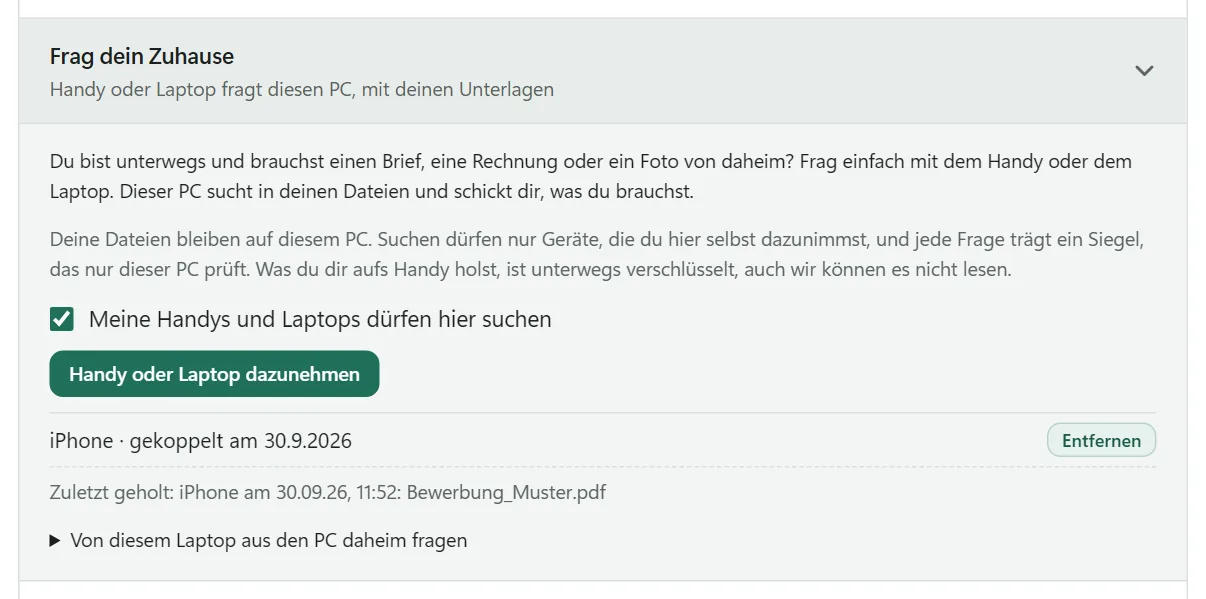
- On your PC, open KIplatz, then “Meine Community” (my community) and the section “Frag dein Zuhause” (Ask your home).
- Tap “Handy oder Laptop dazunehmen” (add phone or laptop). A QR code appears, with a code to type in below it. It is valid for 10 minutes and for one device.
- In the app, open “Mein Zuhause” (my home) and tap “QR-Code mit der Kamera scannen” (scan QR code with the camera). The first time, you are asked whether KIplatz may use the camera.
- Point the camera at the code on the screen. The app tells you as soon as the connection is made, and also where to find the search.
Tip
It works without a camera too: type in the code under “Oder den Code eintippen” (or type in the code).
Find a file and fetch it
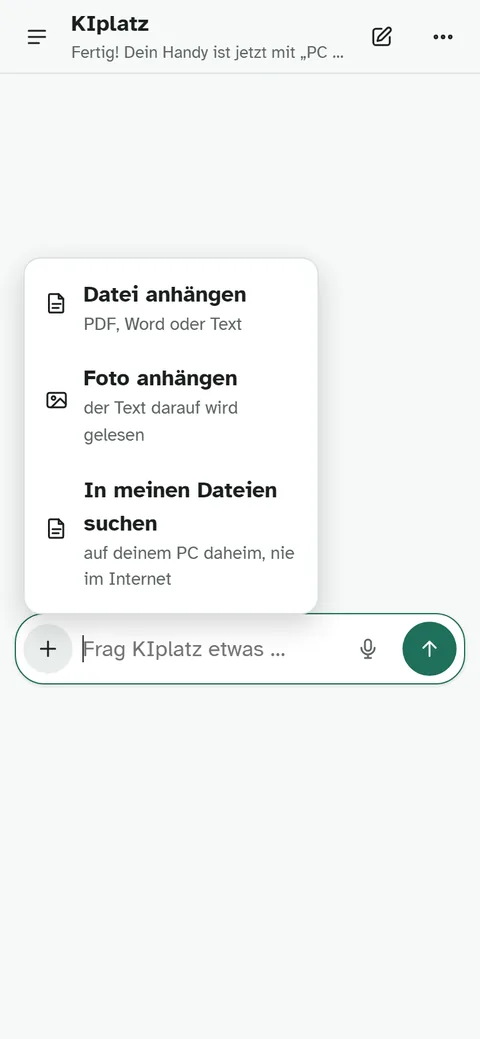
- In the app, tap the plus next to the input field in a conversation and choose “In meinen Dateien suchen” (search my files). On a PC or laptop, tick the box under the input field. It stays on in the conversation until you switch it off.
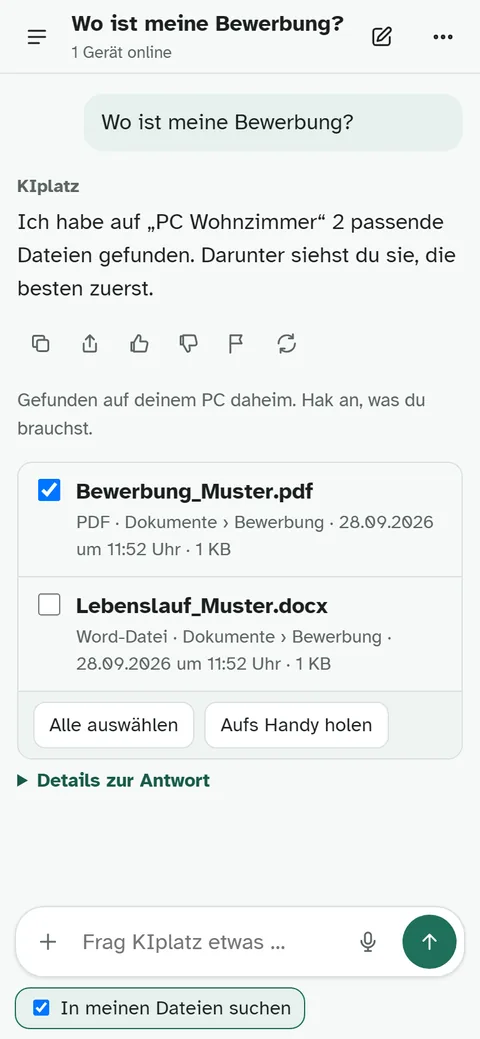
- Ask the way you would ask a person, for example “Where is my application?” or “Find the latest screenshot”.
- Your PC shows you the matching files with folder and date.
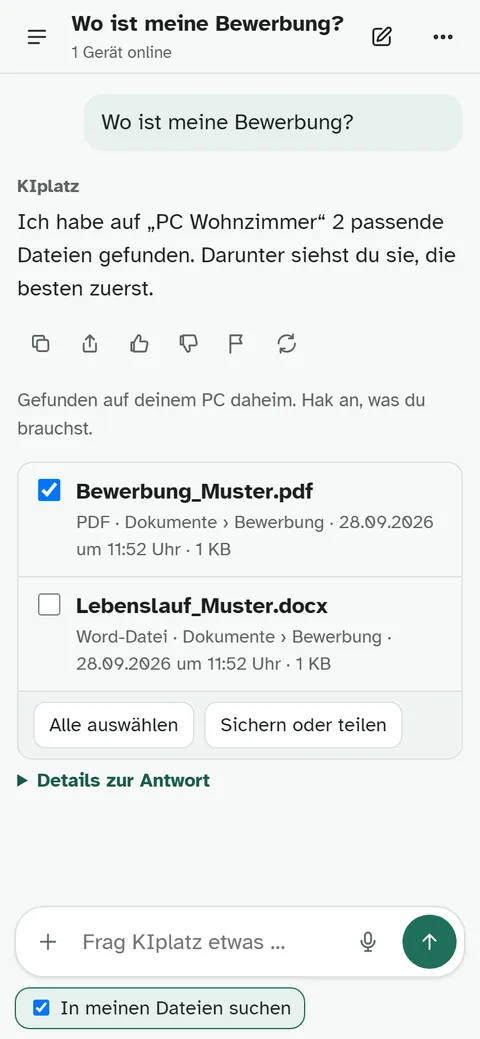
- Tick what you need and tap “Aufs Handy holen” (get it to my phone). With “Sichern oder teilen” (save or share) you store the file or send it on.
Good to know
If you ask for a file without switching on “In meinen Dateien suchen”, KIplatz does not search on its own. It tells you where to switch it on, and you ask again.
Where your PC searches
It searches your own folders: Documents, Pictures, Desktop, Downloads, Music, Videos and OneDrive. Your PC looks at the names, folders and dates of the files, not at what is inside them. For “latest” or “newest”, it shows the newest first.
If you have connected several PCs, you ask one of them directly or all of them at once.
Safe and without a cloud
Your files stay on your PC. A file only travels when you fetch it, and then it is encrypted. Our server in Vienna only passes it on and cannot read it; after pickup it is deleted there, after 24 hours at the latest.
Only a device you added on the PC yourself may search, and every question carries a seal that only your PC checks. System folders, hidden files, password vaults and key files never appear in the list. On the PC you can see which device fetched which file and when, and you remove a device there too. More under Safety.
If it does not work
| You see | What helps |
|---|---|
| The app says your PC cannot be reached | The PC at home must be switched on and online, and KIplatz must be running. |
| The file is too large | Up to 60 MB per file is allowed. |
| The code is no longer valid | A code is valid for 10 minutes. Just have the PC show you a new one. |
| The file you are looking for is missing | Ask with another word from the file name, or with the folder, for example “invoice in Downloads”. |