Skip to content

Access your PC files from your phone, from anywhere

The invoice, the application or the photo is on your PC at home, and you are out. With KIplatz you simply ask for it on your phone, and your PC at home finds the file and sends it to you. We call it “Ask your home”.

A young man stands on a train and looks at his phone

“Where is my file?” Just ask

In your own words

You write something like “Where is my application?” or “Find my last screenshot”. You do not need to know the file name.

Your PC looks in Documents, Pictures, Desktop, Downloads, Music, Videos and OneDrive and shows you what fits, with folder and date.

Two taps and it is with you

You tick what you need and tap “Aufs Handy holen” (get it to my phone). “Sichern oder teilen” saves the file or sends it on by mail or messenger.

On a laptop it lands in Downloads.

You decide where it searches

Below the input field there is a tick box “In meinen Dateien suchen” (search my files). Only you set it, and it stays on in that conversation until you remove it.

A question about your files never goes to the internet and never to another member's PC.

Several PCs, one question

If you have a PC at home and another one at the office, connect each of them once.

Then ask one of them or all of them at once.

Connect once, with a QR code

  1. On your PC, open KIplatz, then “Meine Community” and “Frag dein Zuhause”, and tap “Handy oder Laptop dazunehmen”. A QR code appears.
  2. In the KIplatz app, go to “Mein Zuhause” and tap “QR-Code mit der Kamera scannen”. The first time, you are asked whether the camera may be used; the image is never stored.
  3. Done. From now on you ask with the tick “In meinen Dateien suchen”, and your PC at home answers.

Get the programHow safe it is

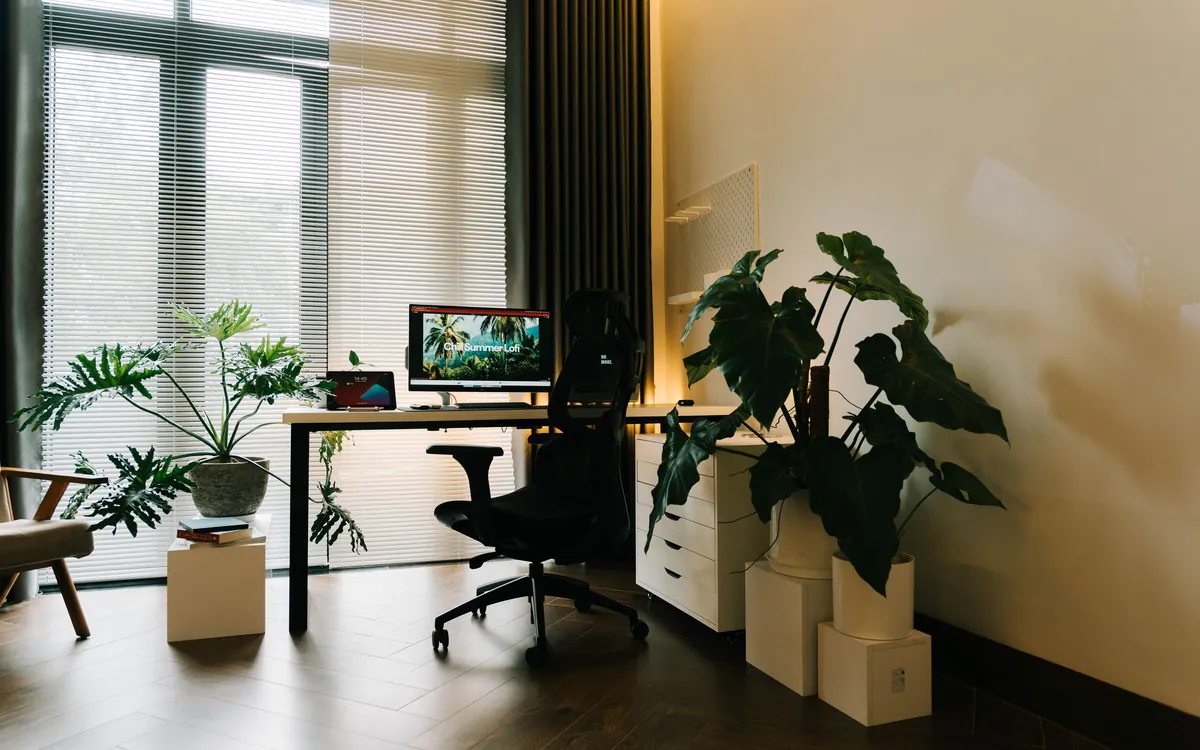
A bright study with a PC on the desk and large plants

Your own cloud, just without a cloud

With OneDrive, iCloud or Google Drive you only reach what you uploaded there before. With KIplatz everything stays on your PC. A file only travels when you fetch it, and then encrypted.

Our server in Vienna only passes it on and cannot read it. Once you have fetched it, it is deleted there, after 24 hours at the latest.

Frequently asked

Do I need a cloud for this?
No. Your files stay on your PC at home. Only the file you fetch travels to you, encrypted, and our server only passes it on.
Is it safe?
Only a device you connected on your PC yourself may search. The file is encrypted on the way, the server cannot read it and deletes it after pickup, after 24 hours at the latest.
What if my PC at home is off?
Then it cannot search, and the app tells you right away. As soon as it runs again, it works again.
Does it cost anything?
No. “Ask your home” is part of KIplatz, with no subscription and no ads.

Ask your home in five lines

NeedsKIplatz on a Windows PC and the KIplatz app on your phone
Sizeup to 60 MB per file
PCmust be on and online, otherwise the app tells you right away
Searchby name, folder and date, not inside the files
Costnone, no ads and no cloud subscription

Read on How safe it is · Get the program · FAQ

Try it with your own PC

Get the program for Windows 11, connect the app once with the QR code, and fetch the next invoice from the sofa, the train or the office. The program speaks German for now.